View Detailed Profile
Laser Templator - Navigating the software

Laser Templator - Navigating the software

Layout of the

Legacy Software - Overview of templating with the LT-2D3D Laser Templator

Legacy Software - Overview of templating with the LT-2D3D Laser Templator

Templating digitally with the LT-2D3D

Laser Templator - Adding Center Lines

Laser Templator - Adding Center Lines

How to add center lines in the

Laser Templator - Checking Distances

Laser Templator - Checking Distances

How to check distances in the

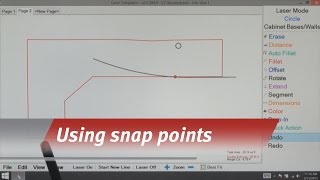
Laser Templator - Using Snap Points

Laser Templator - Using Snap Points

How to use snap points in the

Legacy software - LT-2D3D Templating your first job

Legacy software - LT-2D3D Templating your first job

The basics of measuring your first job with the LT-2D3D

Laser Templator - Drop-ins

Laser Templator - Drop-ins

How to add drop-ins with the

Laser Templator - Offsetting and Filleting

Laser Templator - Offsetting and Filleting

How to offset and fillet in the

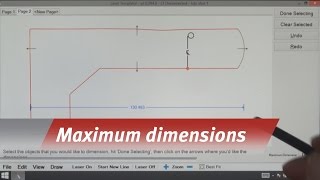
Laser Templator - Maximum Dimensions

Laser Templator - Maximum Dimensions

Determining the maximum dimensions of a job.

Laser Templator - Filleting

Laser Templator - Filleting

How to fillet with the

Software Update

Software Update

Learn how the LT-2D3D

Laser Setup - Legacy Application

Laser Setup - Legacy Application

Learn proper laser setup with the LT-2D3D

Can you edit a template in less than 60 seconds with the LT3Raptor?

Can you edit a template in less than 60 seconds with the LT3Raptor?

Here's another glimpse of our new